
1. Official main channel: Volcano Engine (not available yet, expected to launch in March)
1. Registration and Authentication
- Access: Bilike Cloud official website → Register/Log in account
- Complete personal/enterprise real-name verification (enterprises need to submit qualifications)
2. Enable the Seedance API and obtain the Key
- Enter the Volcano Engine consolehttps://console.volcengine.com/home**
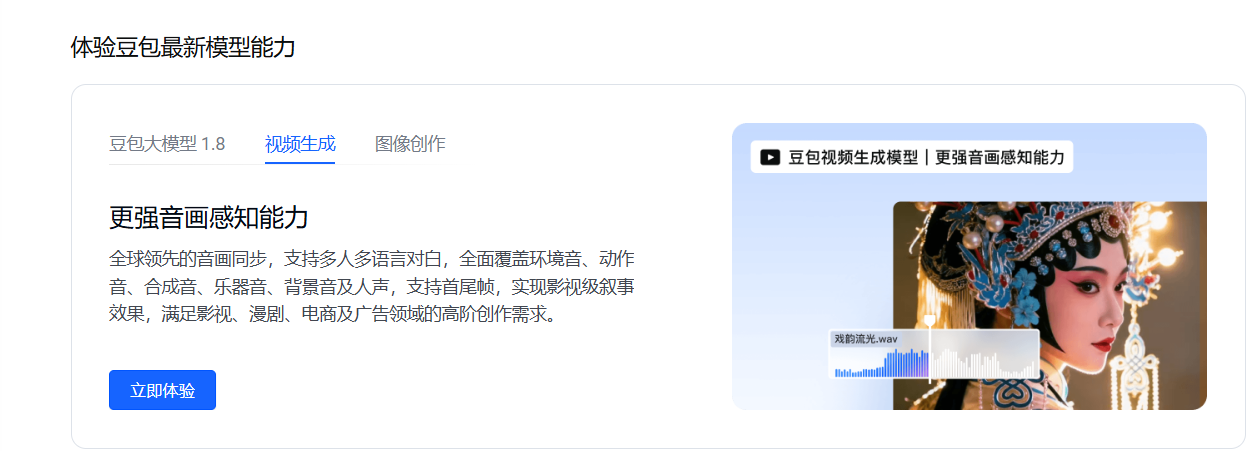
- Only available for online experience
II. Other Channels
You can enter: https://seedanceapi.org/dashboard/api-keys
The Python calling method is as follows:
pythonimport requests
import time

API_KEY = "YOUR_API_KEY"
BASE_URL = "https://seedanceapi.org/v1"

# Generate video
response = requests.post(
    f"{BASE_URL}/generate",
    headers={
        "Authorization": f"Bearer {API_KEY}",
        "Content-Type": "application/json"
    },
    json={
        "prompt": "A cinematic shot of mountains at sunrise with flowing clouds",
        "aspect_ratio": "16:9",
        "resolution": "720p",
        "duration": "8"
    }
)

data = response.json()
task_id = data["data"]["task_id"]
print(f"Task created: {task_id}")

# Poll for status
while True:
    status_response = requests.get(
        f"{BASE_URL}/status?task_id={task_id}",
        headers={"Authorization": f"Bearer {API_KEY}"}
    )
    status_data = status_response.json()["data"]

    if status_data["status"] == "SUCCESS":
        video_url = status_data["response"][0]
        print(f"Video URL: {video_url}")
        break
    elif status_data["status"] == "FAILED":
        print(f"Error: {status_data.get('error_message')}")
        break

    time.sleep(10)