wget https://developer.download.nvidia.com/compute/cuda/repos/wsl-ubuntu/x86_64/cuda-wsl-ubuntu.pin
sudo mv cuda-wsl-ubuntu.pin /etc/apt/preferences.d/cuda-repository-pin-600
wget https://developer.download.nvidia.com/compute/cuda/12.5.1/local_installers/cuda-repo-wsl-ubuntu-12-5-local_12.5.1-1_amd64.deb
sudo dpkg -i cuda-repo-wsl-ubuntu-12-5-local_12.5.1-1_amd64.deb
sudo cp /var/cuda-repo-wsl-ubuntu-12-5-local/cuda-*-keyring.gpg /usr/share/keyrings/
sudo apt-get update

sudo apt-get -y install cuda-toolkit-12-5

export PATH=/usr/local/cuda/bin:$PATH
# 加入bashrc
export PATH=/usr/local/cuda/bin${PATH:+:${PATH}}
export LD_LIBRARY_PATH=/usr/local/cuda/lib64${LD_LIBRARY_PATH:+:${LD_LIBRARY_PATH}}

mamba activate py311
nvcc --version
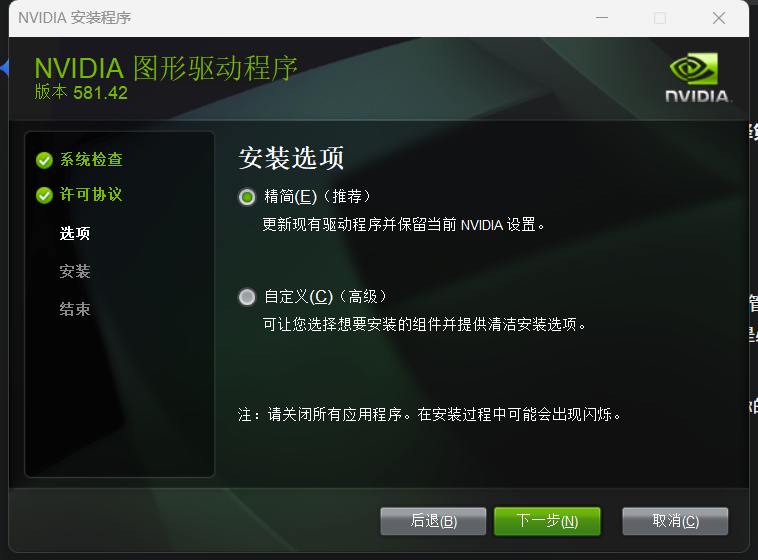
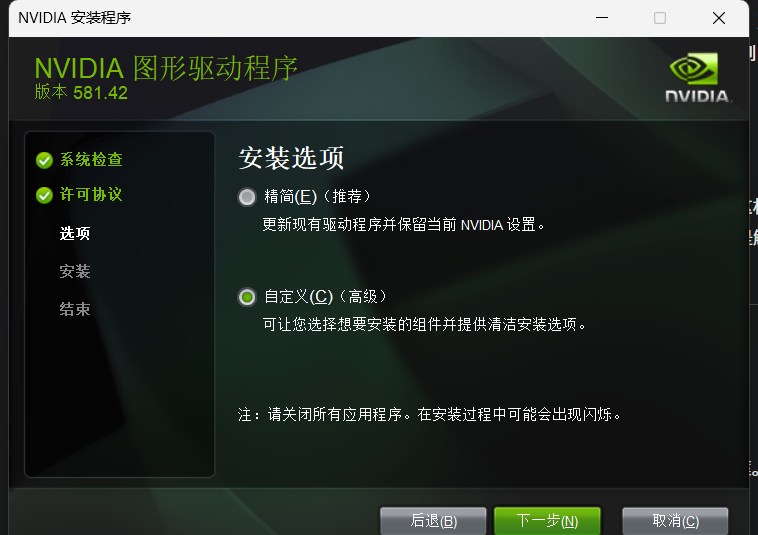
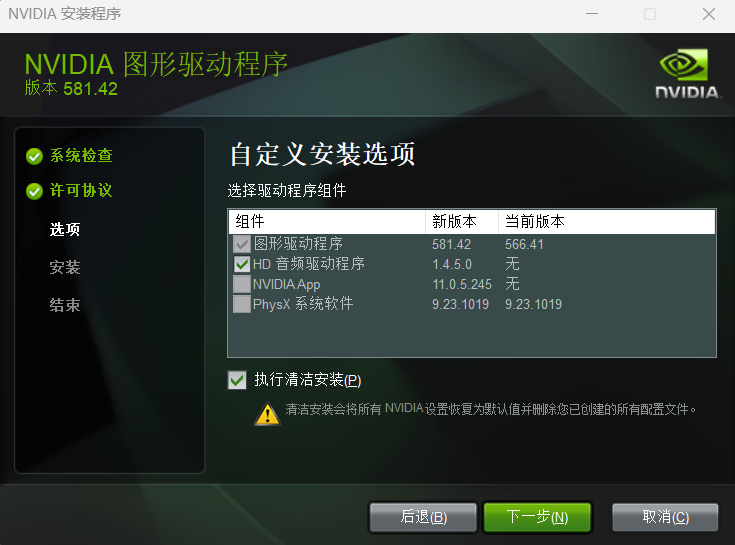
然后,安装nvidia驱动程序
NVIDIA GeForce 驱动官方下载页面
https://www.nvidia.com/zh-cn/geforce/drivers/
手动选择步骤:
- 打开上面的链接。
- 在下拉菜单中这样选择:
- Product Type (产品类型): GeForce
- Product Series (产品系列): GeForce RTX 30 Series (Notebooks)【notebook是笔记本的版本】
- Product (产品): GeForce RTX 3060 Laptop GPU
- Operating System (操作系统): Windows 11 (或者你的 Windows 版本)
- Download Type (下载类型): Game Ready Driver (GRD)
- 点击 “Search” (搜索),然后下载页面上出现的最新版本驱动程序。
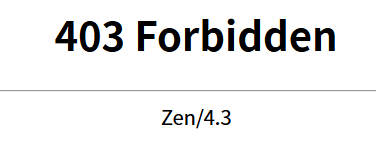
注意一定要登录nvidia,否则会403 forbidden