wget https://developer.download.nvidia.com/compute/cuda/repos/wsl-ubuntu/x86_64/cuda-wsl-ubuntu.pin
sudo mv cuda-wsl-ubuntu.pin /etc/apt/preferences.d/cuda-repository-pin-600
wget https://developer.download.nvidia.com/compute/cuda/12.5.1/local_installers/cuda-repo-wsl-ubuntu-12-5-local_12.5.1-1_amd64.deb
sudo dpkg -i cuda-repo-wsl-ubuntu-12-5-local_12.5.1-1_amd64.deb
sudo cp /var/cuda-repo-wsl-ubuntu-12-5-local/cuda-*-keyring.gpg /usr/share/keyrings/
sudo apt-get update

sudo apt-get -y install cuda-toolkit-12-5

export PATH=/usr/local/cuda/bin:$PATH
# 加入bashrc
export PATH=/usr/local/cuda/bin${PATH:+:${PATH}}
export LD_LIBRARY_PATH=/usr/local/cuda/lib64${LD_LIBRARY_PATH:+:${LD_LIBRARY_PATH}}

mamba activate py311
nvcc --version
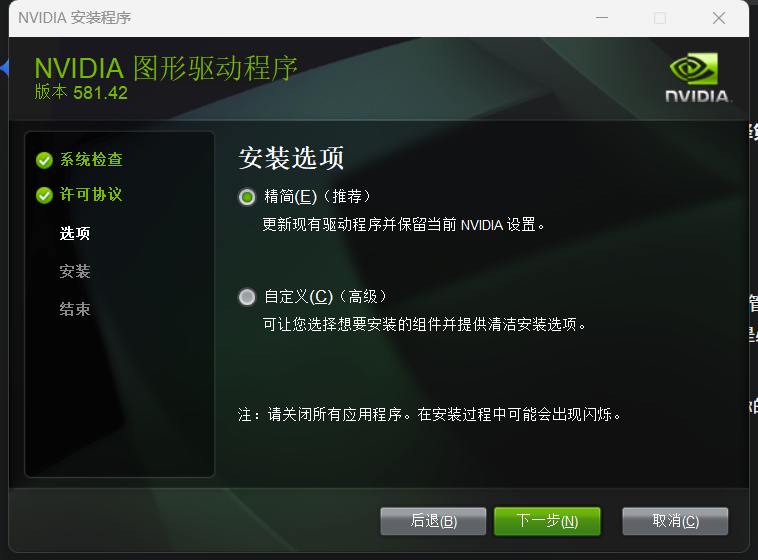
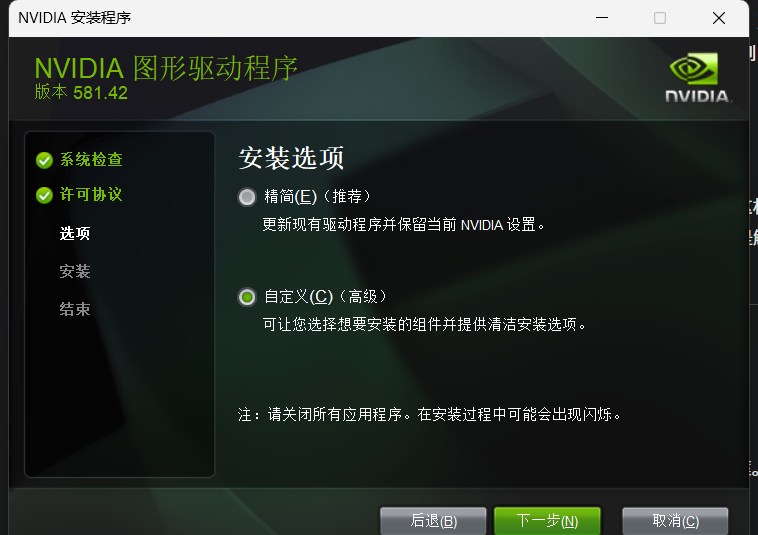
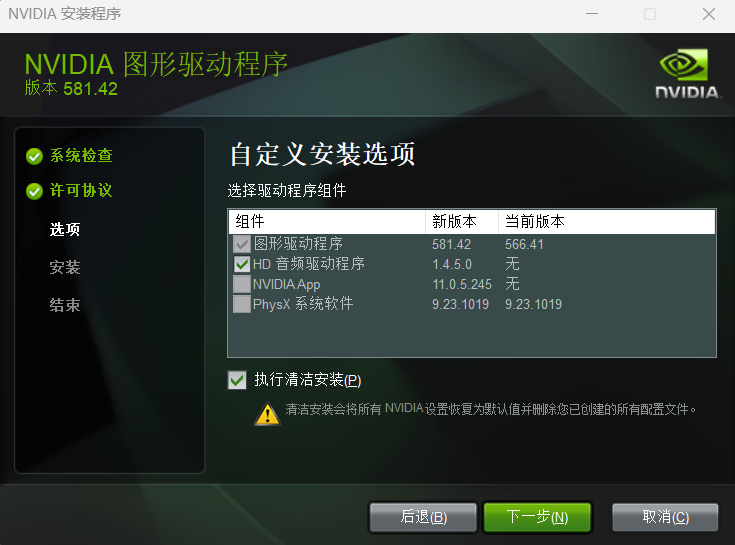
Then, install the nvidia driver.
NVIDIA GeForce Driver Official Download Page
https://www.nvidia.com/zh-cn/geforce/drivers/
Manual selection steps:
- Open the above link.
- Select as follows in the dropdown menu:
- Product Type (Product Type): GeForce
- Product Series (Product Series): GeForce RTX 30 Series (Notebook)【notebook refers to the notebook version】
- Product (Product): GeForce RTX 3060 Laptop GPU
- Operating System (Operating System): Windows 11 (or your Windows version)
- Download Type (Download Type): Game Ready Driver (GRD)
- Click “Search”, and the latest version of the driver will appear on the download page.
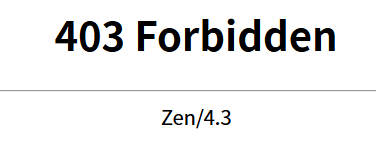
Note: You must log in to nvidia; otherwise, you will get a 403 forbidden error.