
Overview of MicroDuck Task Demonstration
Here, it is presented according to tasks. GPU inference occurs first, followed by BPU inference. Click on the expanded item to view more versions; for training, model sources, and implementation steps, please refer to the task tutorials.
The GPU performs calculations on the workstation; the BPU performs calculations on the RDK X5, while the workstation is responsible for simulation and rendering. The web page displays saved task videos; to rerun steps, refer to Notebook explanation .
Notebook: One group per task
| Notebook and Tasks | GPU Inference | BPU Inference |
|---|---|---|
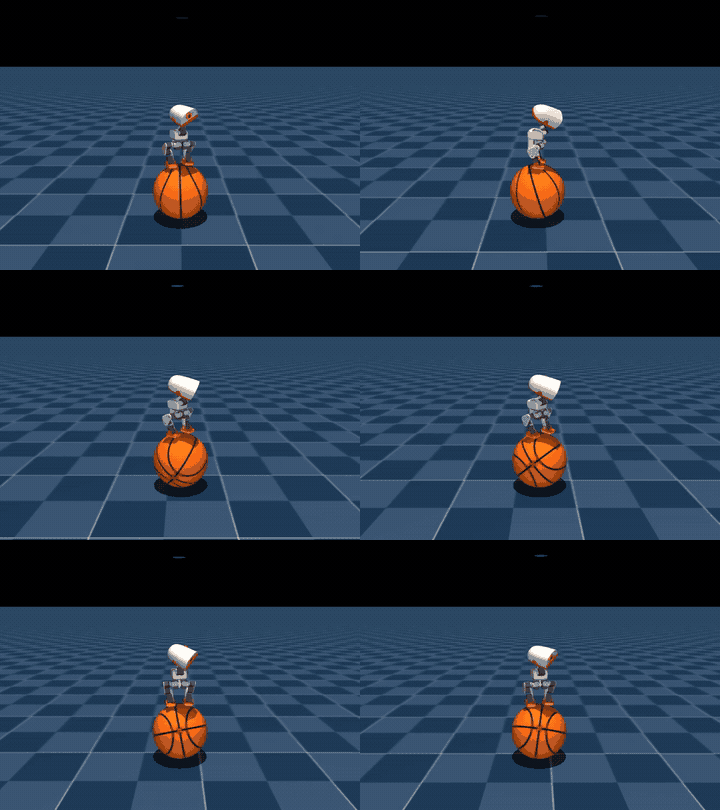
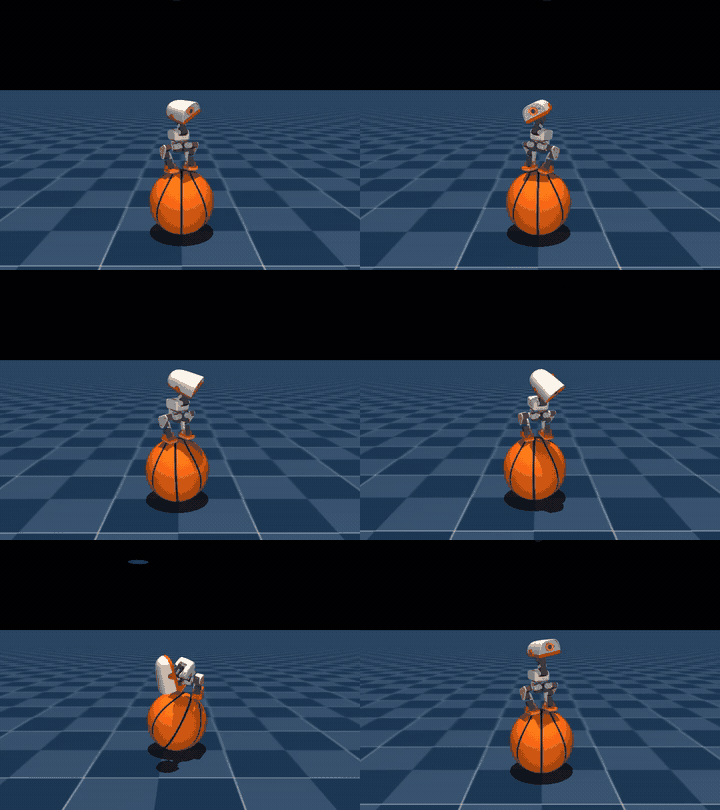
01 Basketball Balance |
 |
 |
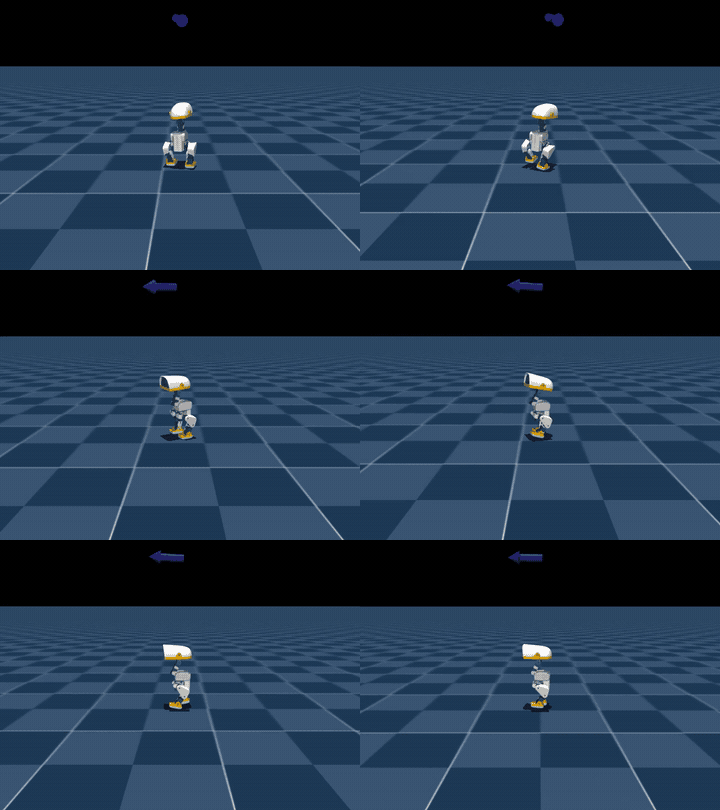
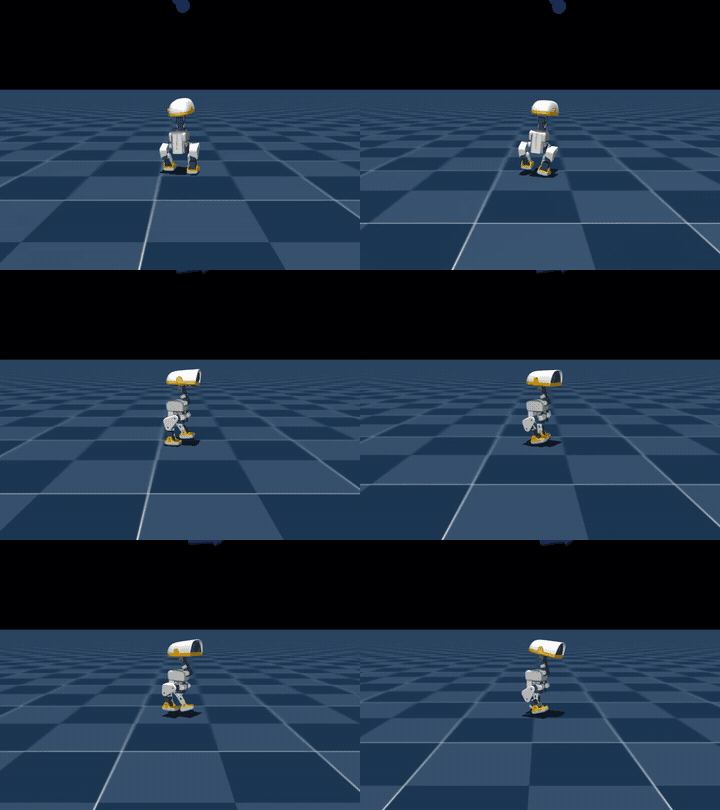
02 Browser Physical Disturbance |
 |
 |
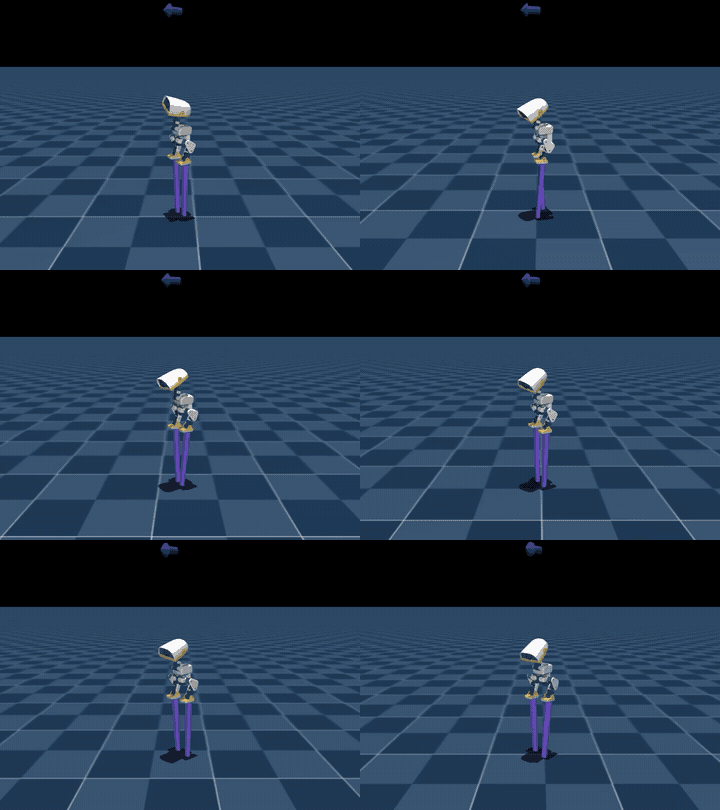
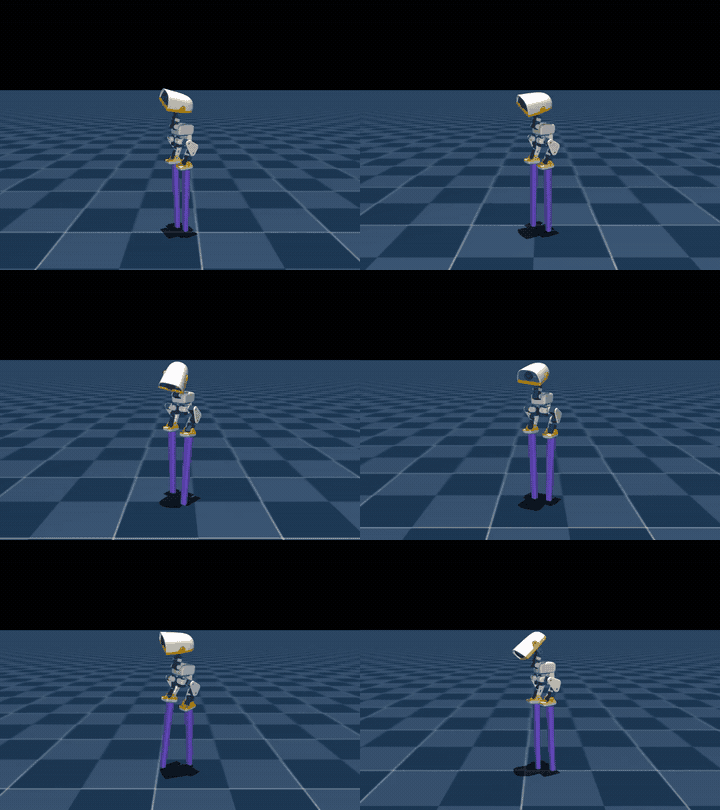
03 Stilt Walking |
 |
 |
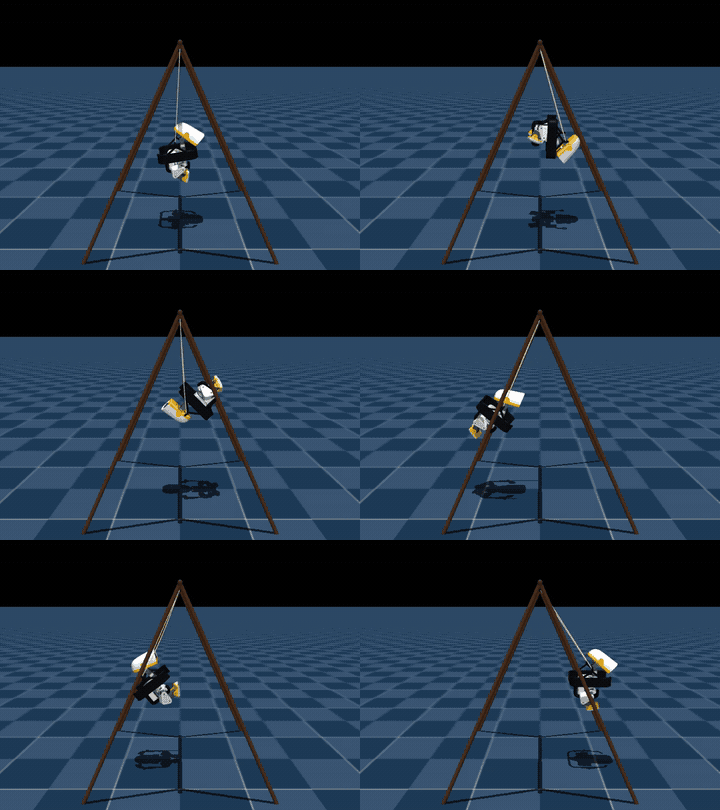
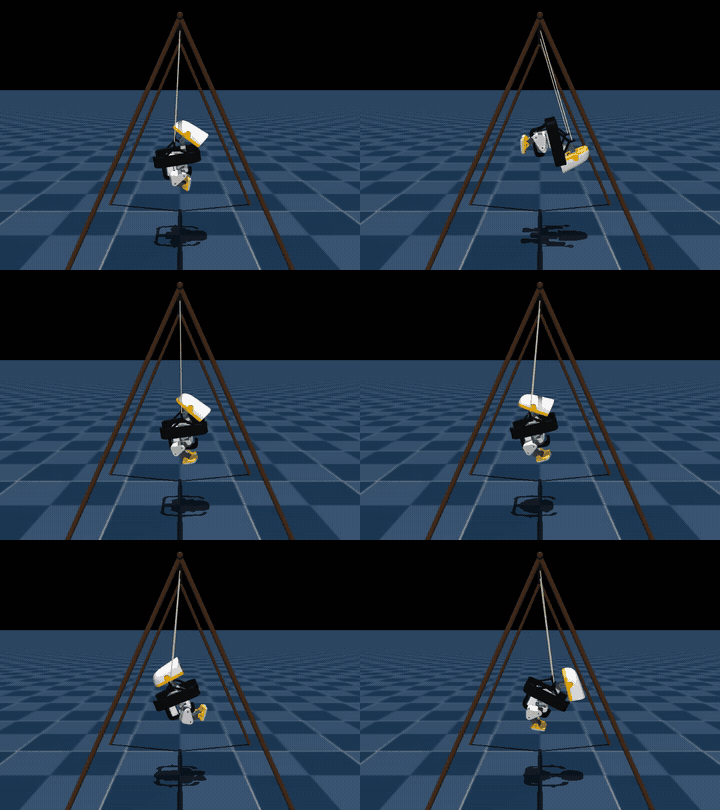
04 Swaying Rotation |
 |
 |
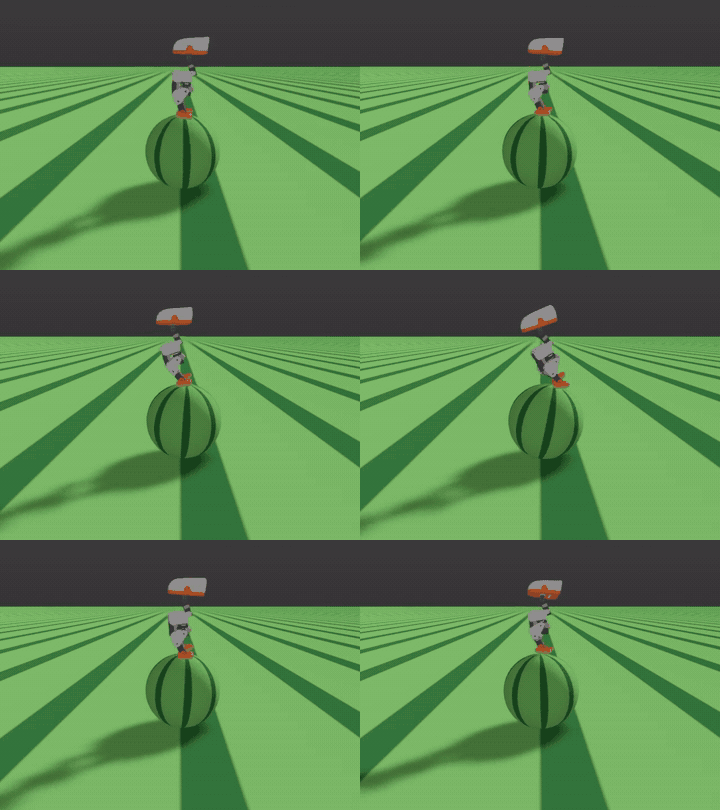
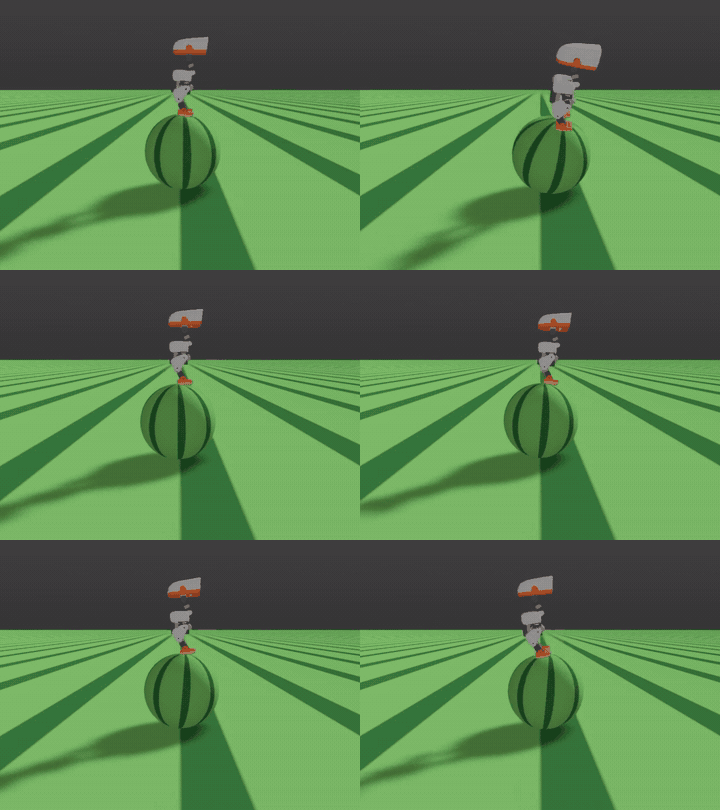
05 Ball Balance FastSAC |
 |
 |
06 Ladder Climbing |
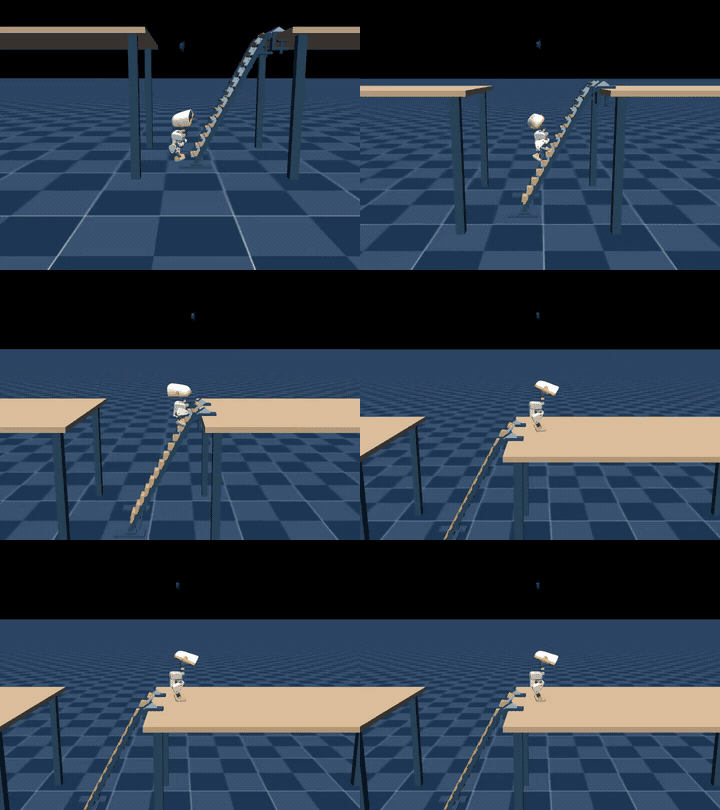 Climbing ladders step by step, standing firmly on the desk |
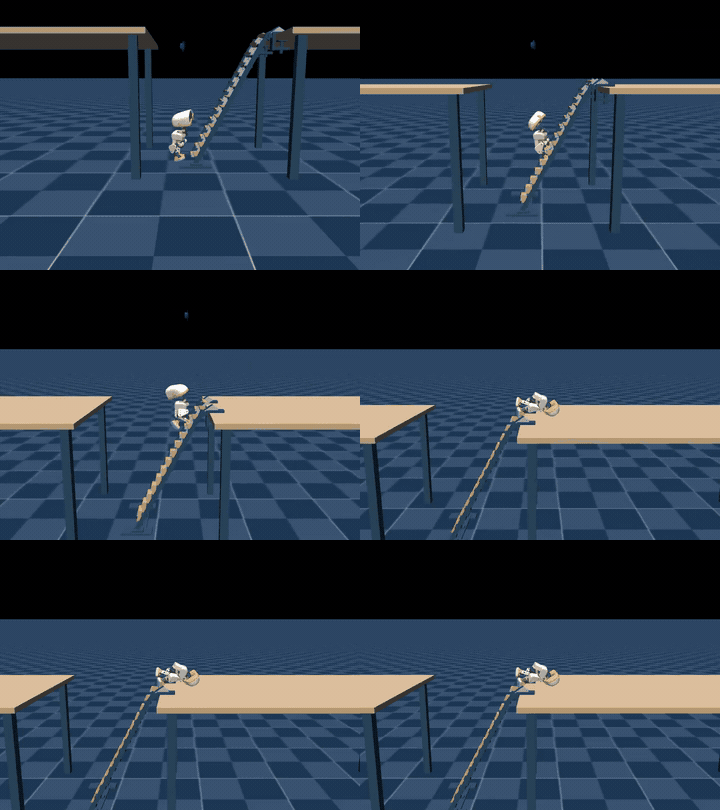 Ladder Contact |
07 Walking Policy Integration |
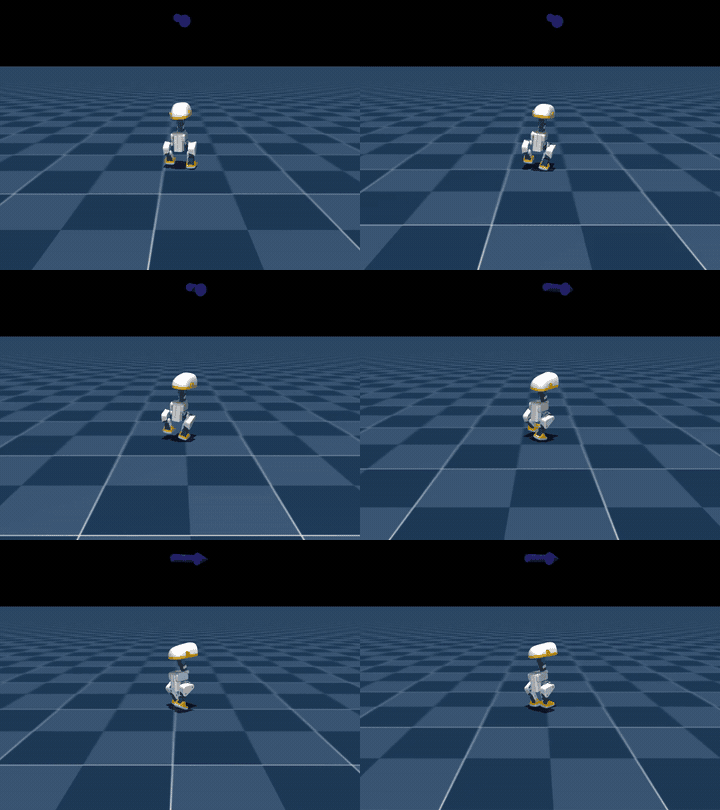 |
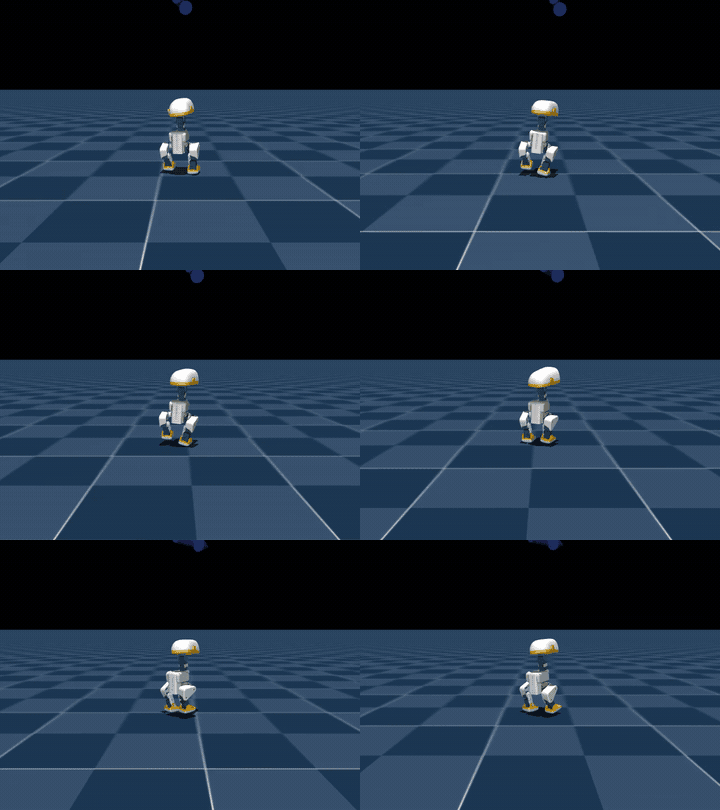 |
The above 7 notebooks store the execution counts and outputs of 64 code units. The 8th navigation notebook adds 12 executed code units, bringing the total to 76 outputs across all 8 notebooks. Details on running status and optional steps can be found in Notebook description . The original MP4 file is not submitted; the page displays compressed GIFs instead.
LightNav-0 Multi-scene Navigation
Notebook No. 8 connects the pre-trained navigation model to the GPU to read first-person view images and language instructions. Videos are generated for three scenarios; see navigation tutorial for running steps, control interfaces, and model sources.
| Official Residence | Self-constructed Living Room | Self-constructed Corridor |
|---|---|---|
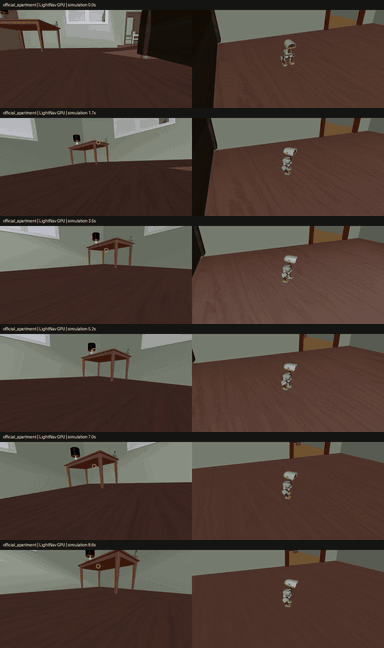 Find the left table in the residence |
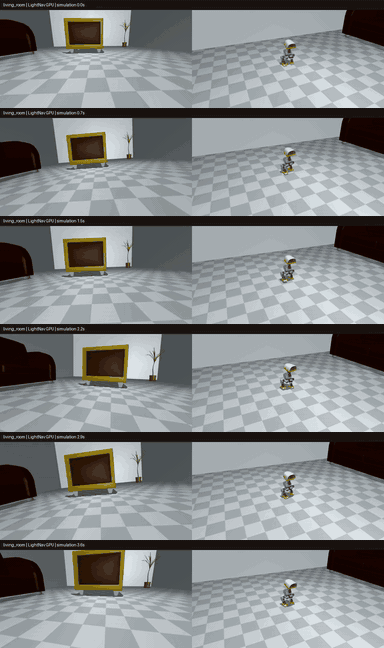 Near the armchair in the living room |
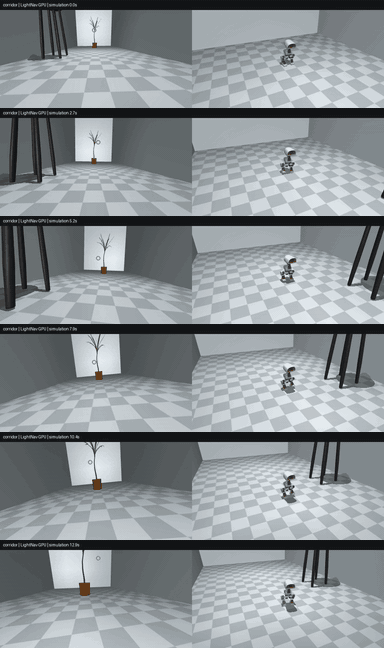 Look for potted plants in the corridor |
Ladder Climbing and Table Climbing
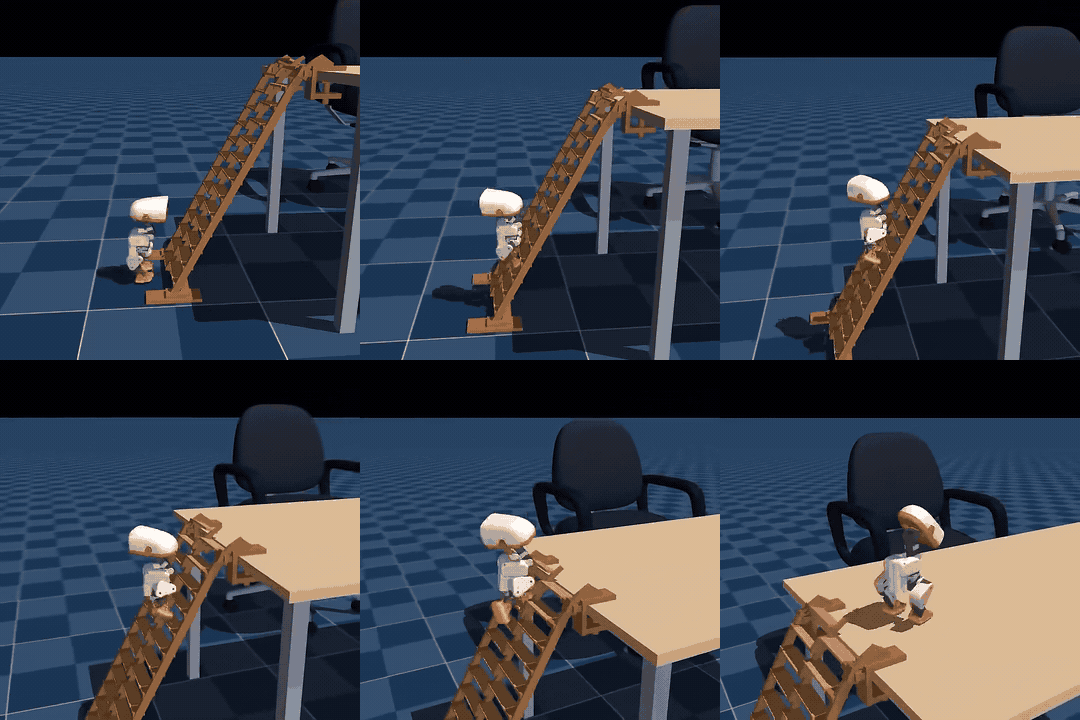
Step on the steps level by level, and stand firm after reaching the table. For dual policy switching, training methods, and model sources, see ; for ladder climbing tutorial , please refer to it.
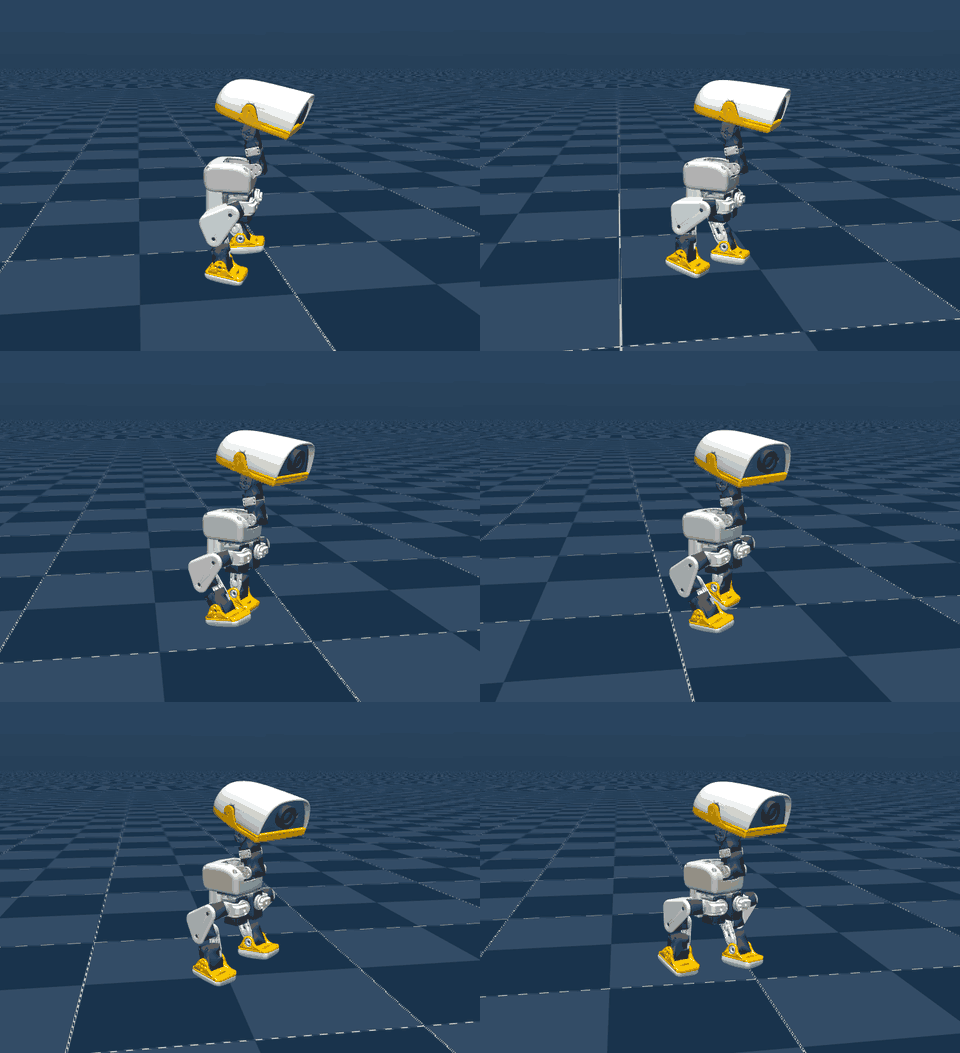
Stilt Walking: 25 cm and 200 cm
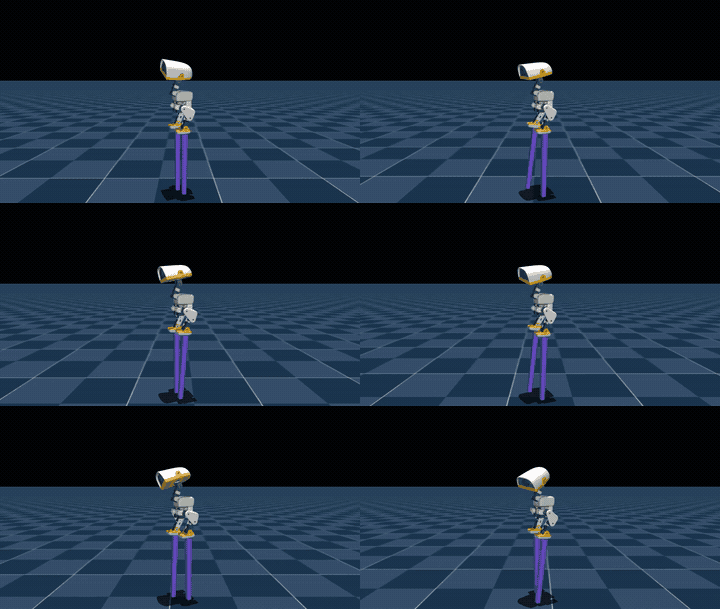
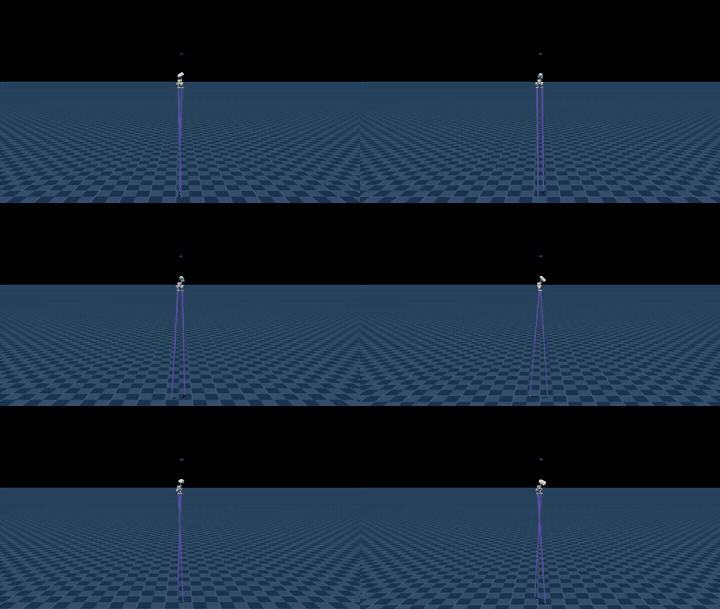
Walk with alternating support at different heights. For the form, model sources, and size configurations, see Stilt Walking Tutorial .
Other Task Versions
The following includes more actions and training stages for each task.
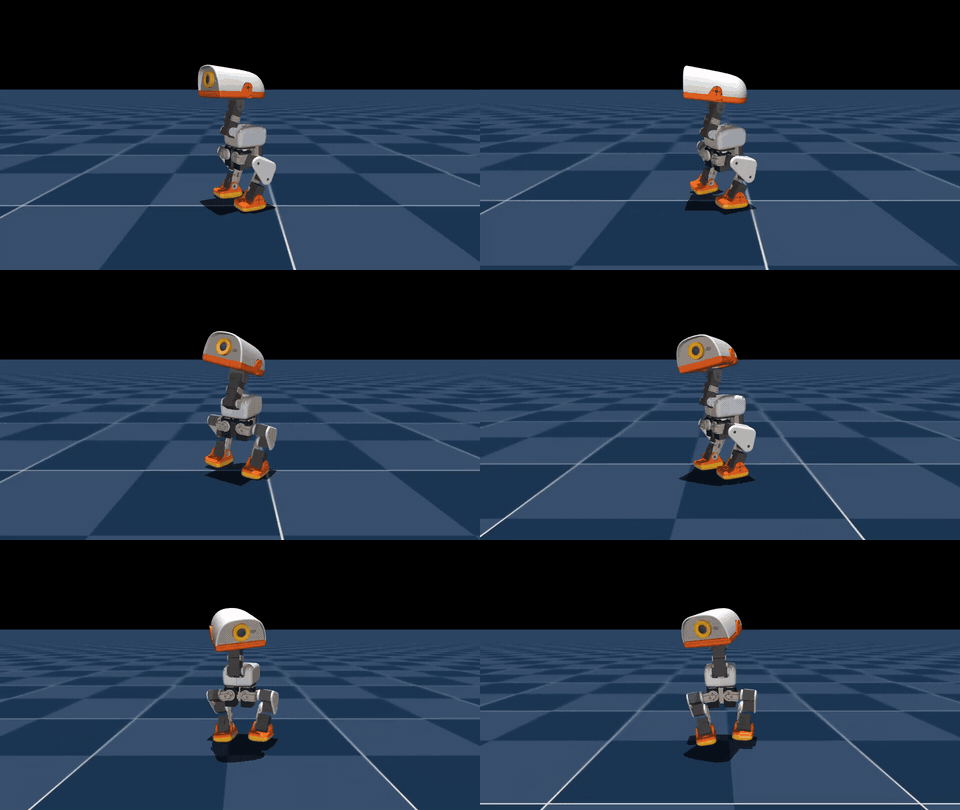
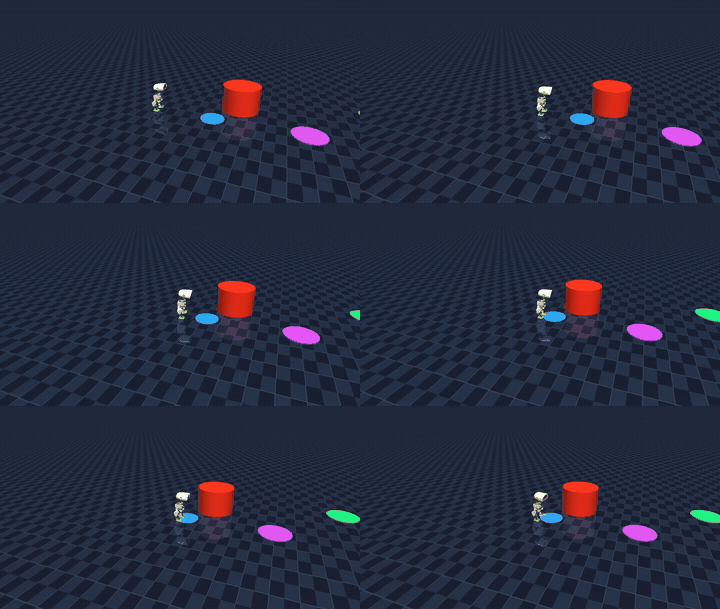
Walking, Obstacle Navigation, and Command Choreography
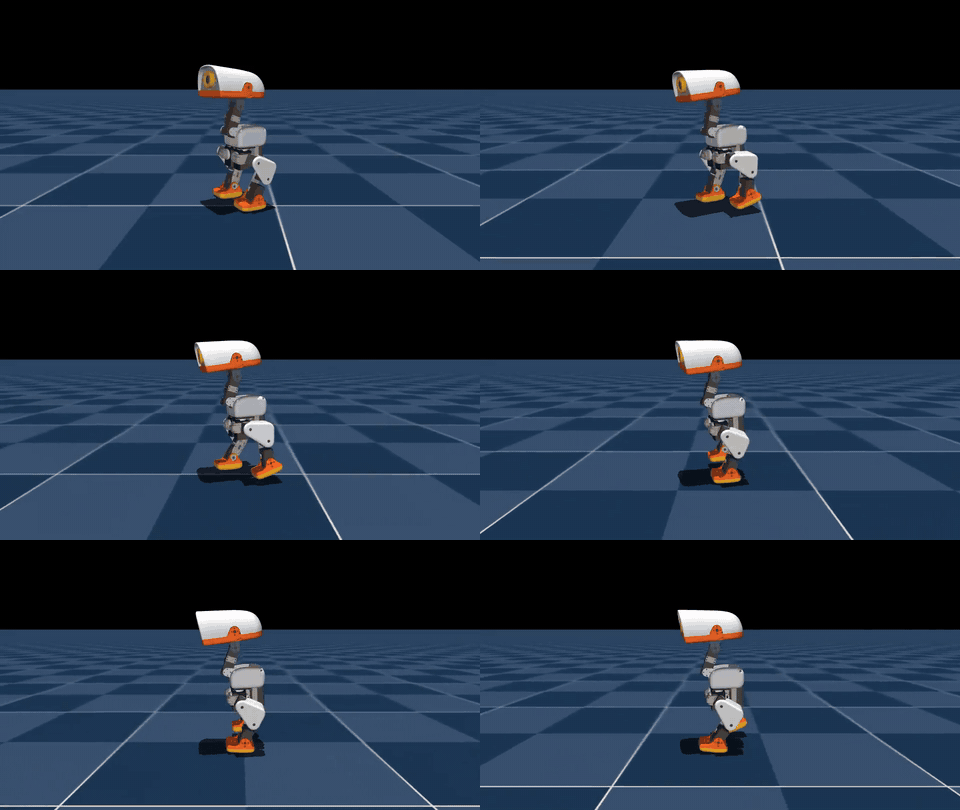
Speed and Orientation Commands:
Obstacle scenarios:
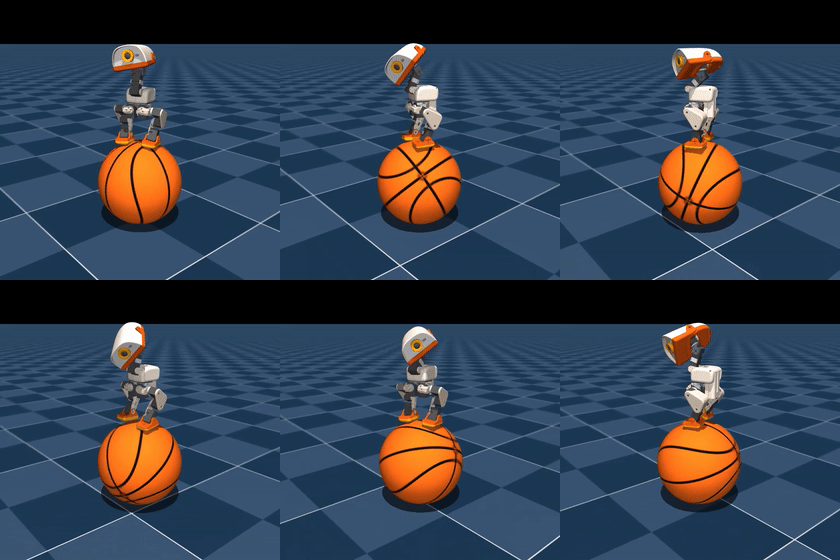
Basketball Balance
Browser Physical Disturbance
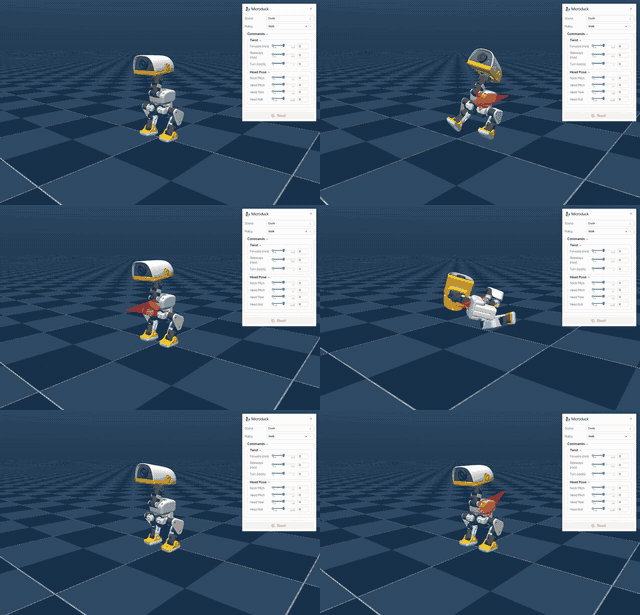
Drag the duckling with the mouse to apply external force, and observe the force and motion changes in the simulation.
Swinging Rotation
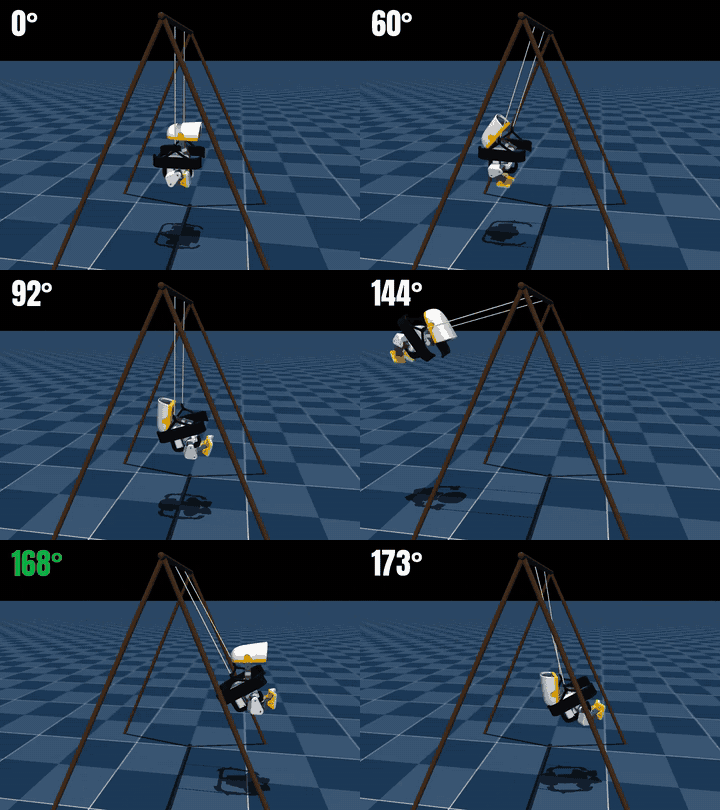
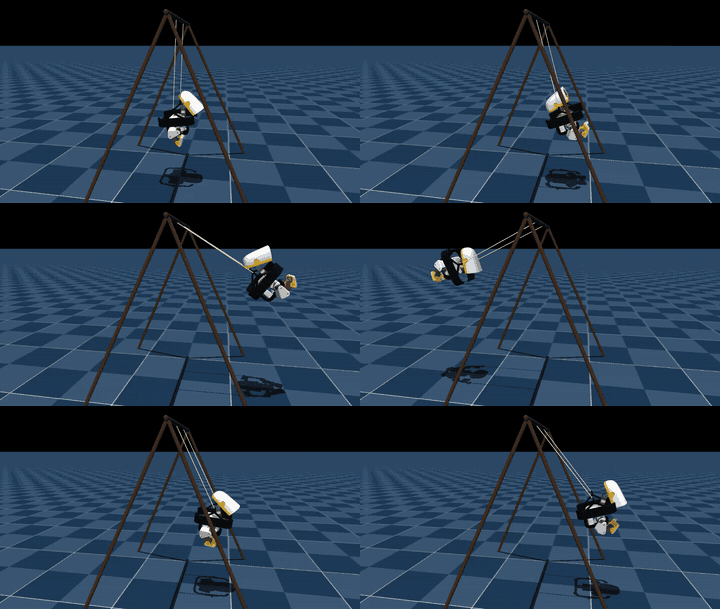
Swing and rotation movements.
Ball Balance and FastSAC Training
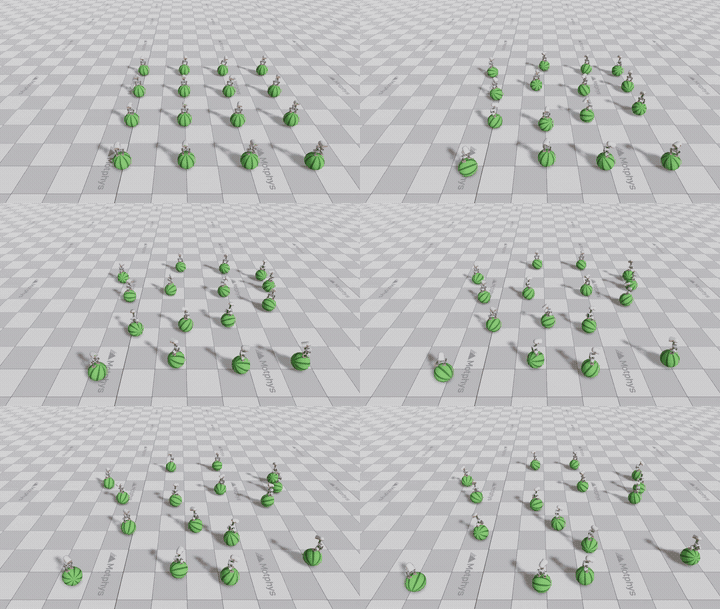
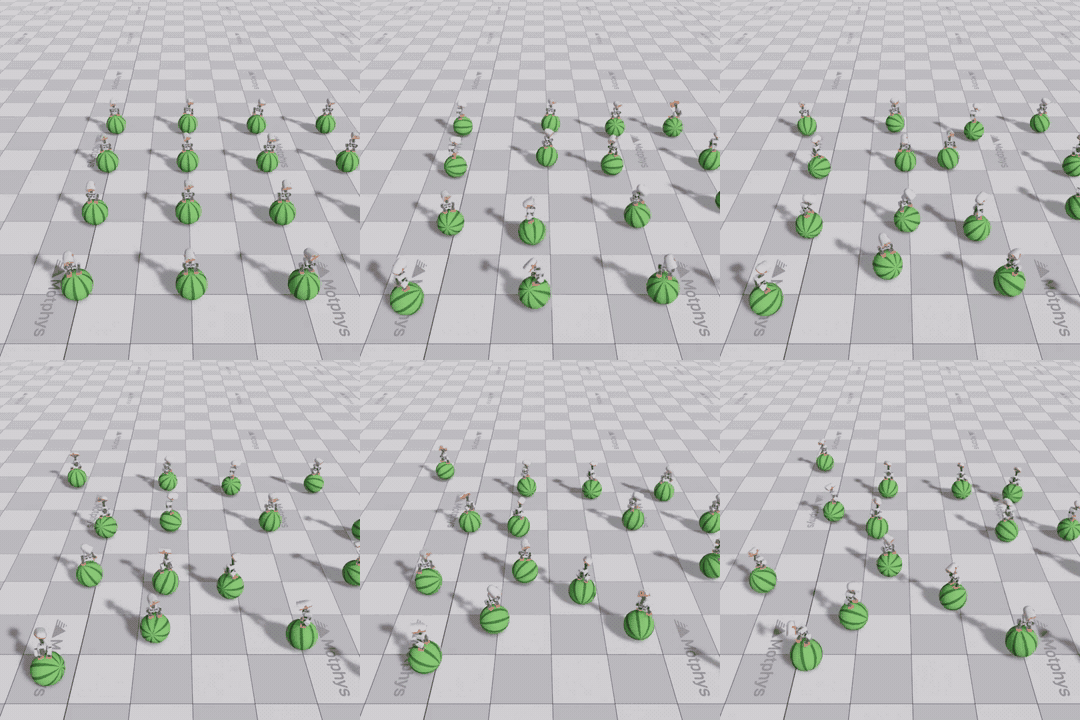
FastSAC spherical balance training.
Ladder climbing: Action analysis and training stages
The full ladder climbing and table climbing are shown in the above demonstration; the following records the action references and the V1/V2/V3 training stages in order. For the implementation process, see ladder climbing tutorial .
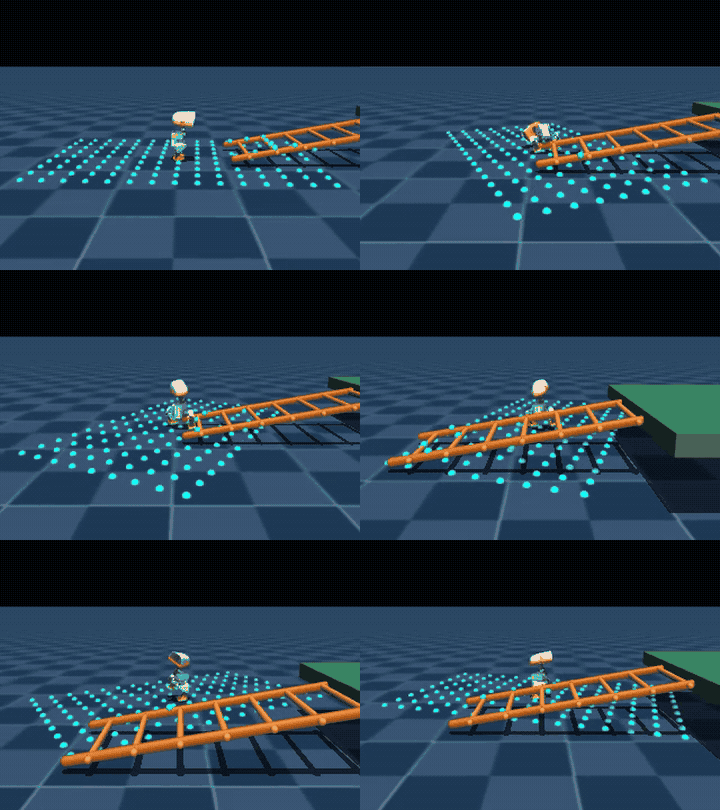
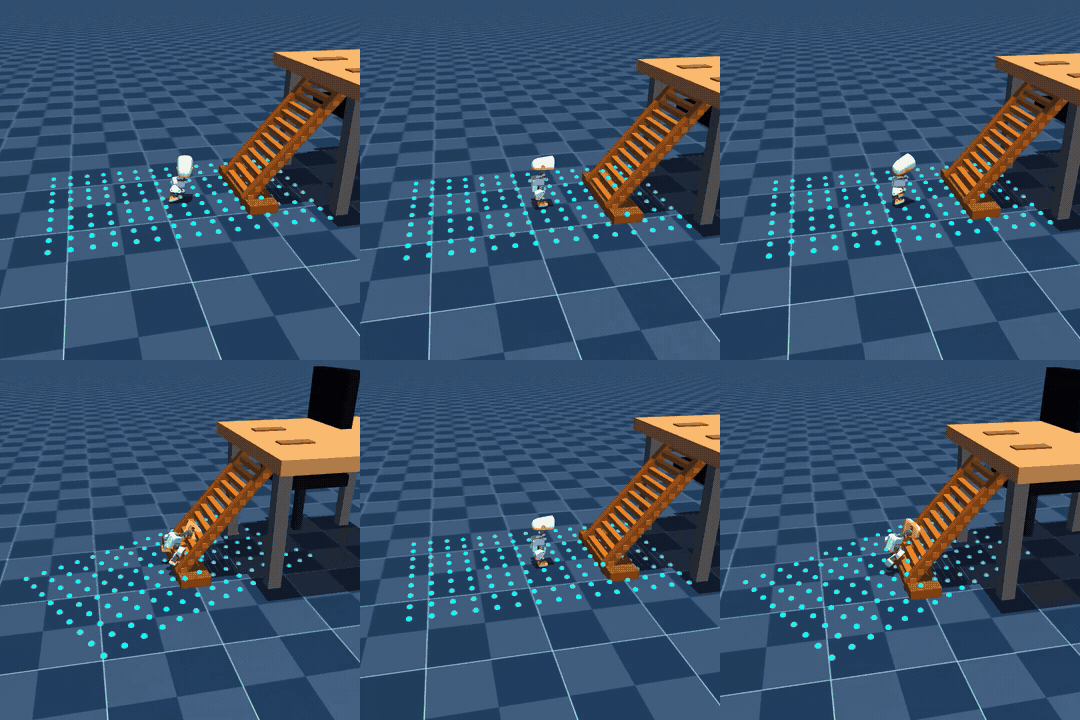
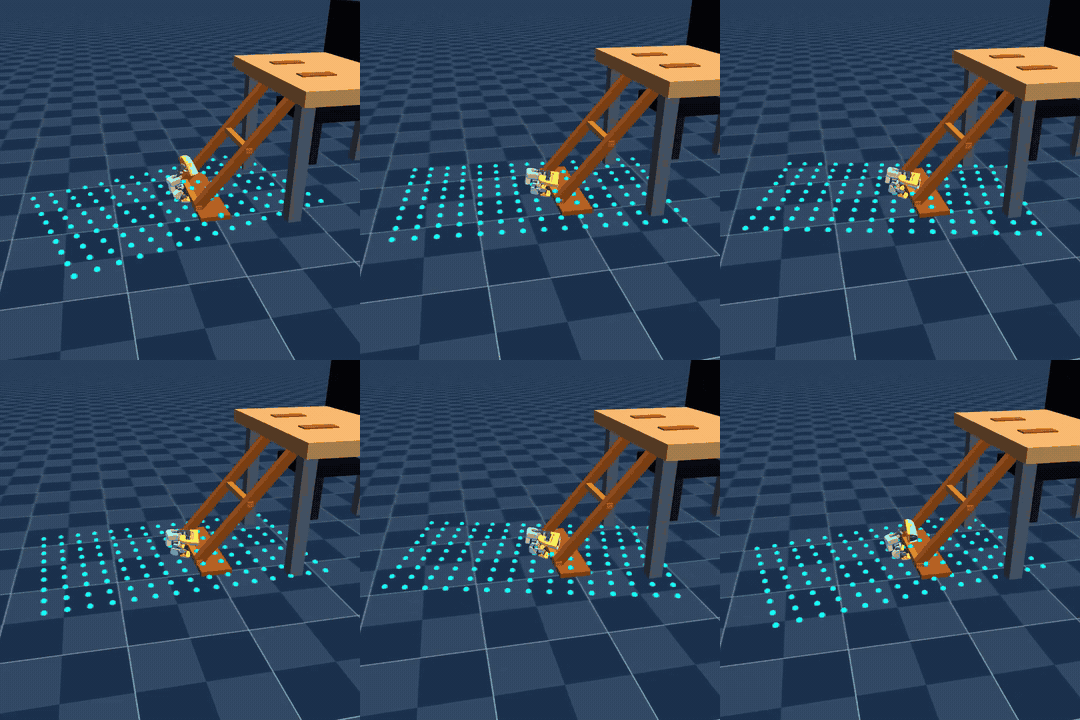
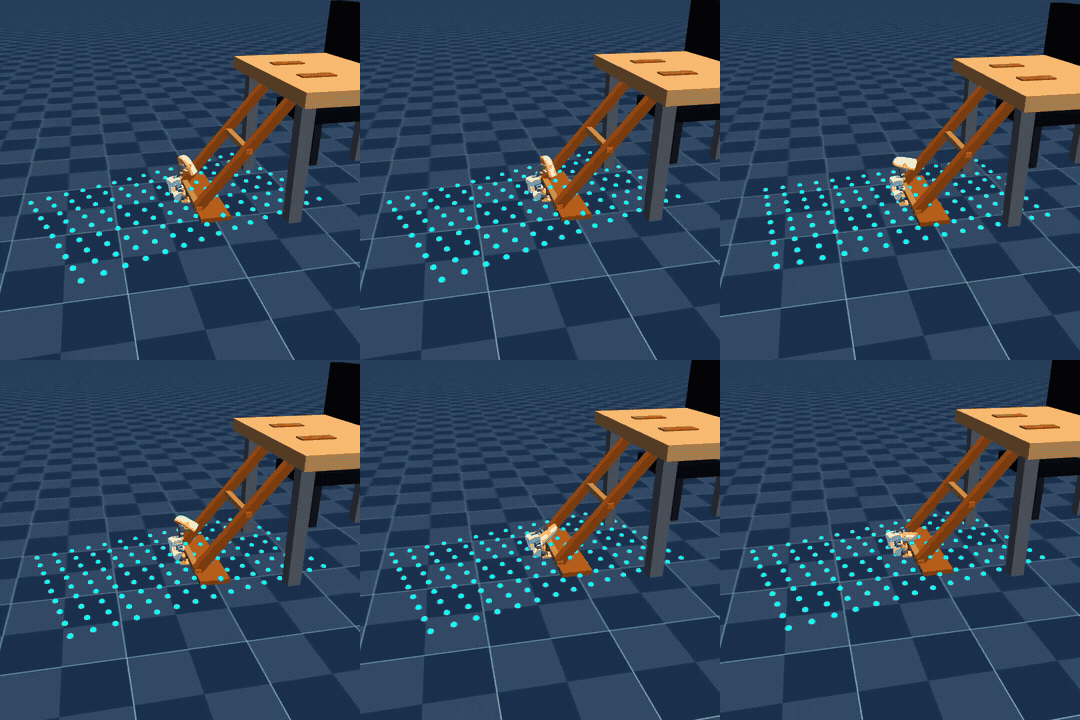
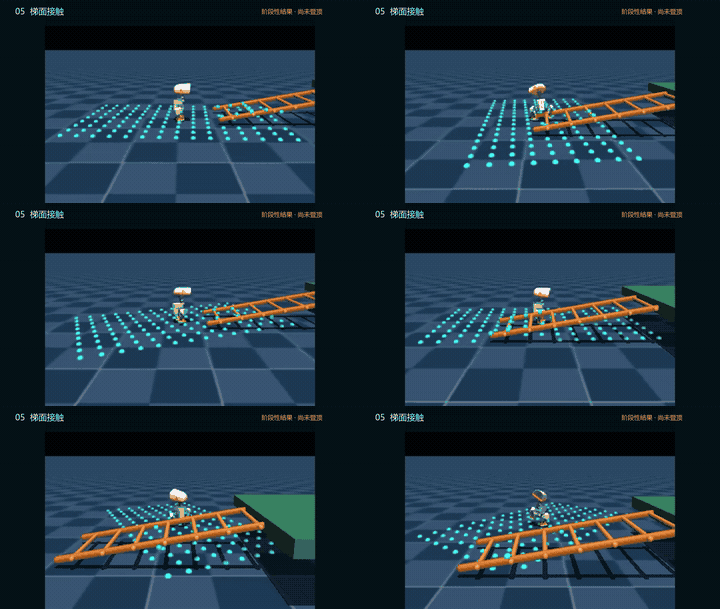
Rope contact, ladder foot approach, and initial posture.
Skill Series Overview
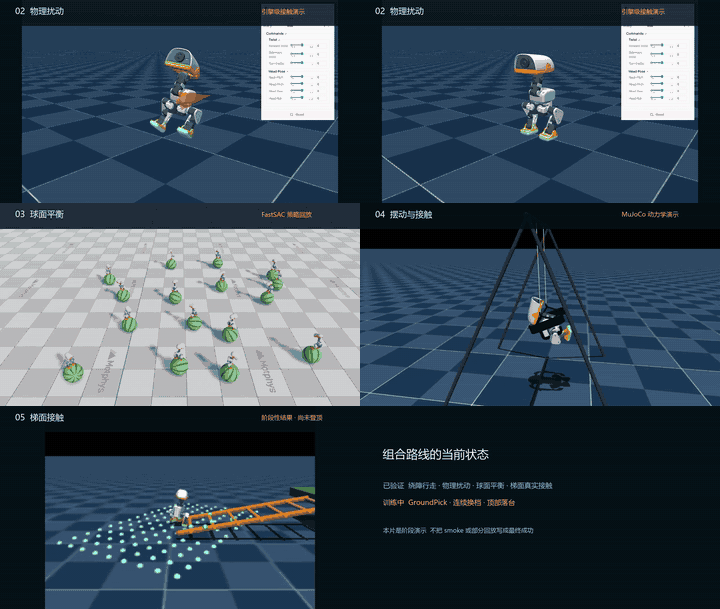
Multi-task editing; for a complete demonstration of each task, see the corresponding entry above.
Materials and Reproduction
- All submitted video previews are in GIF format; the first 7 Notebooks display videos using relative GIF links, while the 8th one retains small-sized images and trajectory plots. After execution, navigation MP4 files are played within the unit.
- The original MP4 files remain on the simulation workstation to reduce cloning and browsing overhead. The environment, model, metrics, and reproduction steps for each task are provided in the corresponding task README.
- Running the Notebooks generates new task MP4 files and evaluation reports.